
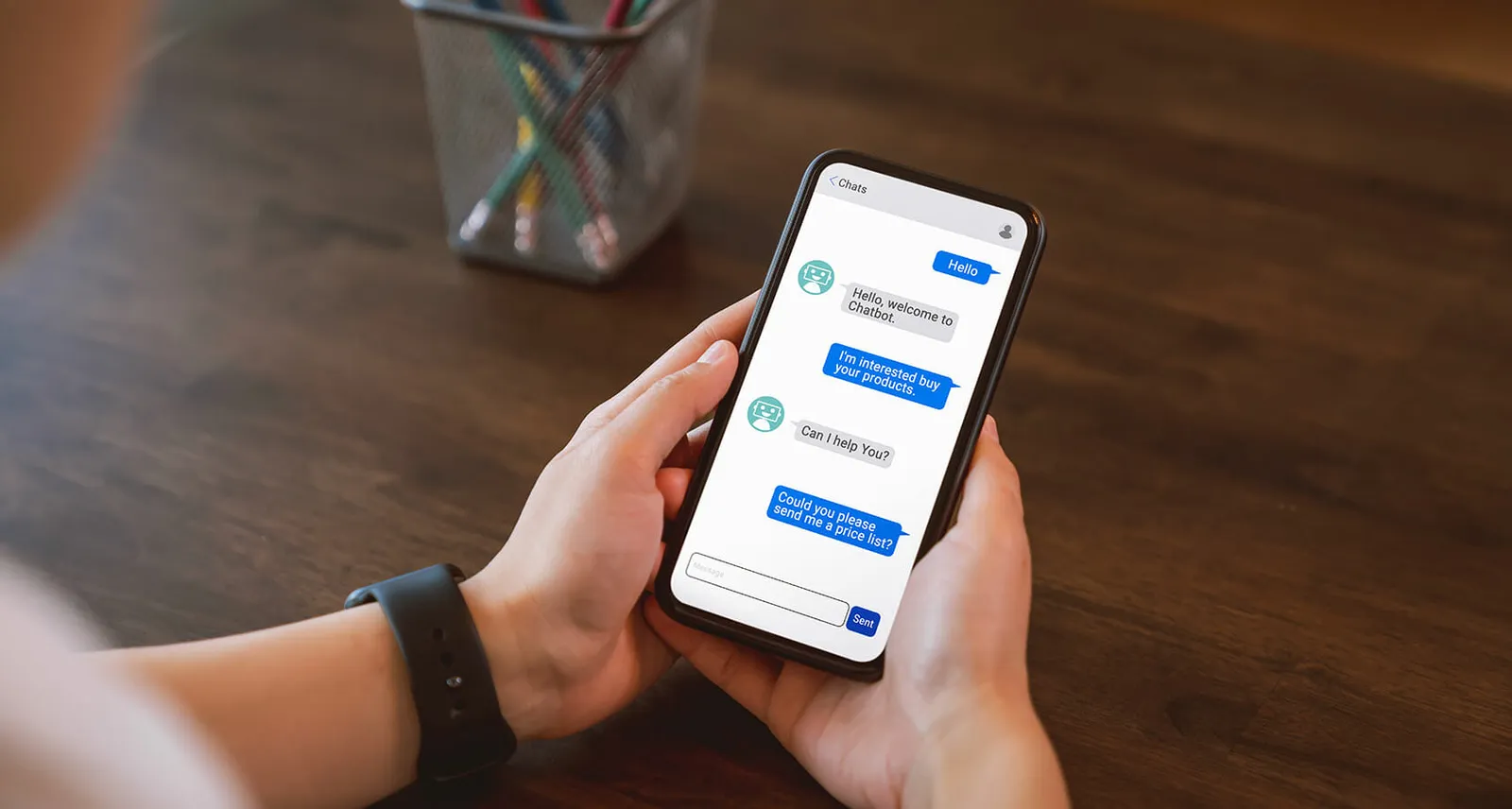
A chatbot is not a sales counsellor and it will never close a move-in. What it can do is stop you losing the family who arrived at 11pm with one question, found no way to ask it, and closed the tab.
Whether that is worth it depends almost entirely on how you deploy it.
The problem a chatbot actually solves
Senior living inquiries do not arrive during business hours. They arrive after the hospital called, after the difficult conversation at dinner, after the adult child finally sat down with a laptop at the end of a long day.
At that moment the family has a small number of specific questions, and one of them is nearly always about cost. Your options are a contact form promising a reply within one business day, a phone number nobody will answer for eleven hours, or something that responds now.
A well-built chatbot is the only one of those three that engages a family in the moment they are actually deciding.
What a chatbot should be allowed to do
Answer the pricing question honestly. Cost is one of the searches every family runs before a move-in, and most community sites refuse to answer it. A bot that gives a genuine starting range and explains what it includes will outperform one that deflects to a form every time.
Book the tour. This is the highest-value action available and most implementations never wire it up. Self-scheduling into a real calendar, at 11pm, while the family is motivated.
Qualify gently. Care type, timeframe, and location, asked conversationally. Three questions in a chat feel like a conversation; the same three in a form feel like an application.
Route to a human fast. The most useful thing a bot does is recognise when it is out of its depth and hand over cleanly.
Stay inside approved answers. Many current chat assistants run on large language models, and those can produce a fluent, confident answer about care levels, pricing or availability that is simply wrong. Limit the assistant to content you have written and approved, and send any care or cost question it cannot answer from that content to a person.
Where chatbots cost you tours
When they interrupt. A modal that slides over the content three seconds after landing is not helpful, it is an obstacle. Let people read first.
When they replace the phone number. Families in crisis want to talk to a person. If the bot is easier to find than your phone number, you have made the wrong thing prominent. This audience skews older and phone-first, and the calls a bot pushes away are often the best leads you get.
When they pretend to be human. Give it a name that is obviously a tool. A family who realizes twenty minutes later that “Sarah” was software feels tricked, at the exact moment you needed their trust.
When nobody watches the transcripts. Every conversation is a record of what families actually ask. Ignoring that is throwing away the best user research you have access to.
The accessibility problem nobody mentions
Chat widgets are among the worst offenders for accessibility on the web, and this audience is precisely the wrong one to get that wrong with.
Before you deploy, check that it is reachable by keyboard, that it announces itself properly to a screen reader, that it can be dismissed and stays dismissed, and that the text meets contrast requirements at a readable size. A large share of vendor widgets fail at least one of these out of the box.
Accessibility is a legal exposure as well as a courtesy, and a third-party widget is still your liability.
How to tell whether it is working
Do not measure conversations. Measure:
- Tours booked through the bot, particularly outside business hours
- Bot-to-human handoff rate, and what happens after the handoff
- The questions it could not answer, which is your content roadmap
If it is generating conversations but no tours, it is a very expensive FAQ.
Where this fits
A chatbot is a layer on a site that already converts, not a fix for one that does not. If your inquiry form asks nine questions and your pricing is hidden, fixing the site returns more than any widget will.
Once the site works, the bot is most useful wired into marketing automation, so a conversation at 11pm becomes a sequence at 9am rather than a transcript nobody reads.
Related from Inertia